Can People See Who Viewed Their Facebook Story?
Yes. Facebook shows story owners a viewer list. Here’s how to open it, what “Other viewers” means, how the order works and what it never shows.

By Ayu Moz
Writer, Facebook Story Viewer
Last updated:
5 min read
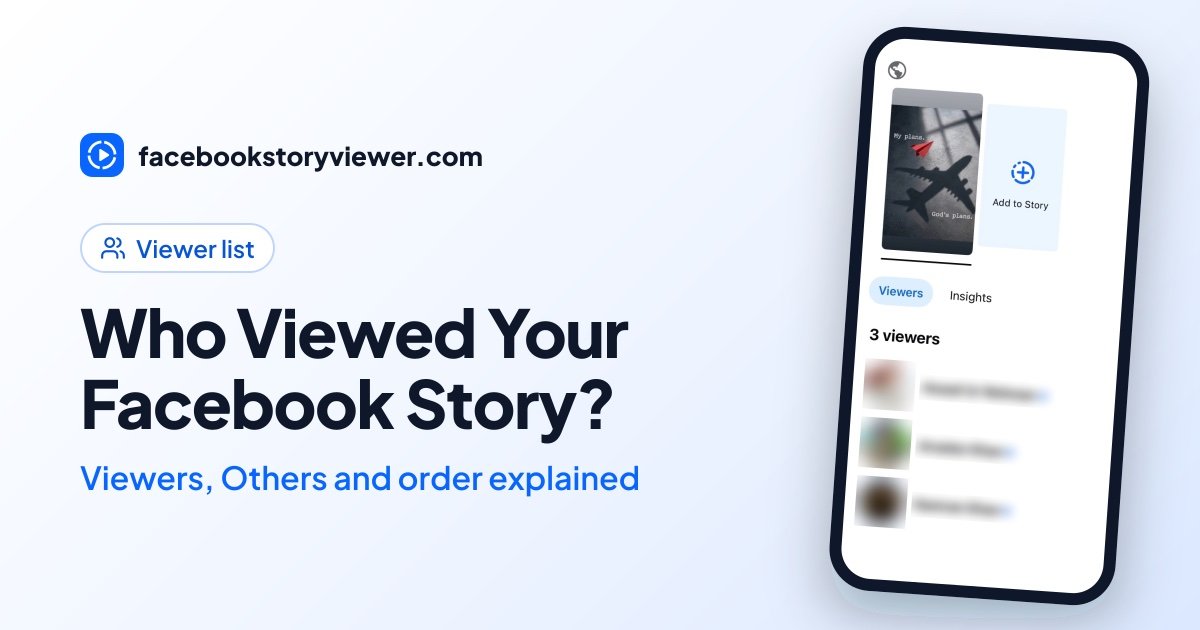
Yes. Facebook shows every story owner a viewer list with the name and profile photo of each logged-in account that watched the story. The list is visible only to the owner, and only while the story is live.
There are 2 things the list never shows: how many times someone watched, and whether they took a screenshot.
How do you see who viewed your Facebook story?
You see who viewed your Facebook story by opening your own story and tapping the viewer count in the bottom-left corner.
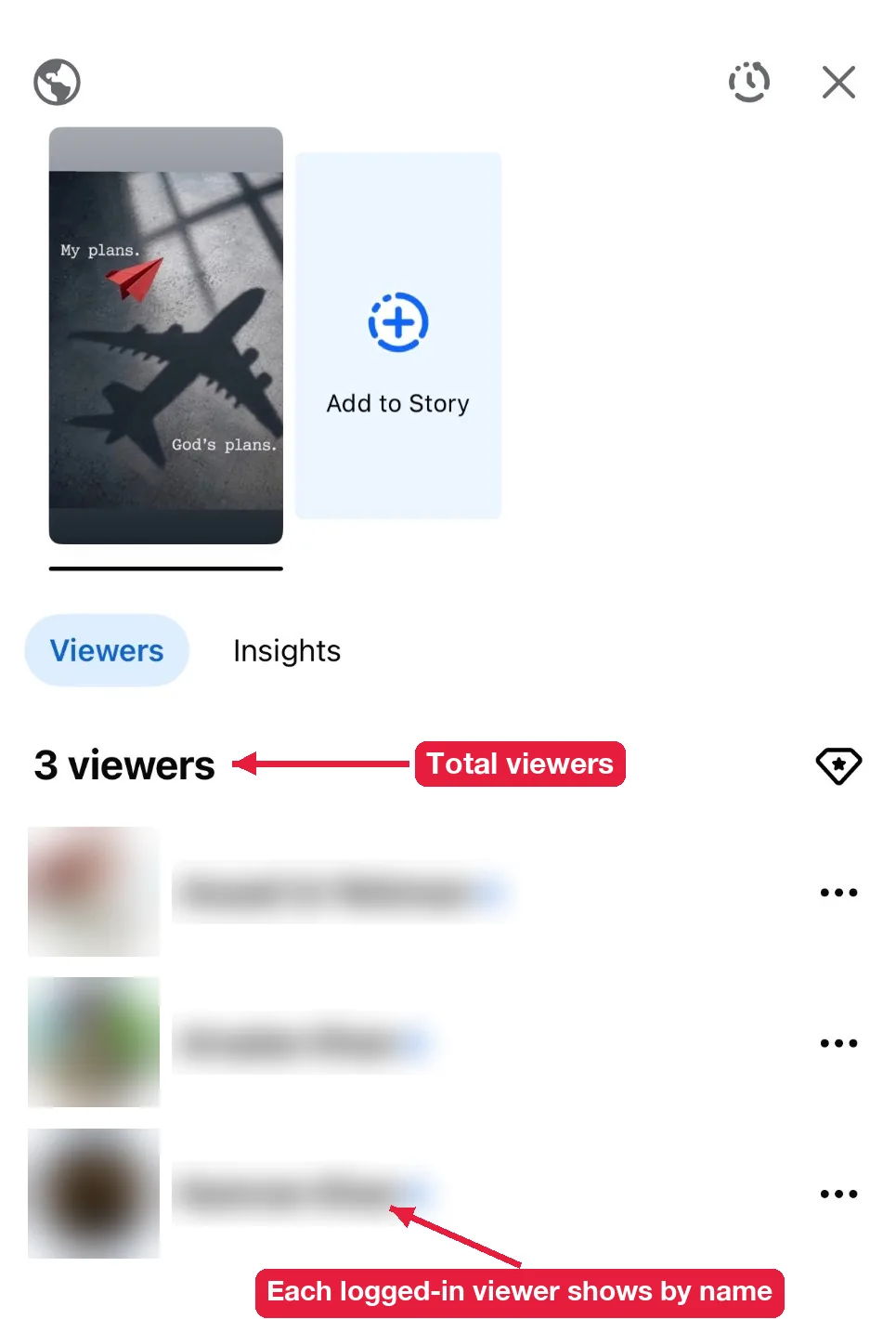
On the Facebook app (iPhone or Android):
- Tap Your story at the top of your Feed.
- Tap the eye icon or the viewer count in the bottom-left corner. You can also swipe up on the story.
- Scroll the list to see every viewer and their reaction. Tap Insights next to Viewers for numbers like reach and replies.
On a computer:
- Go to facebook.com and click Your story in the stories row.
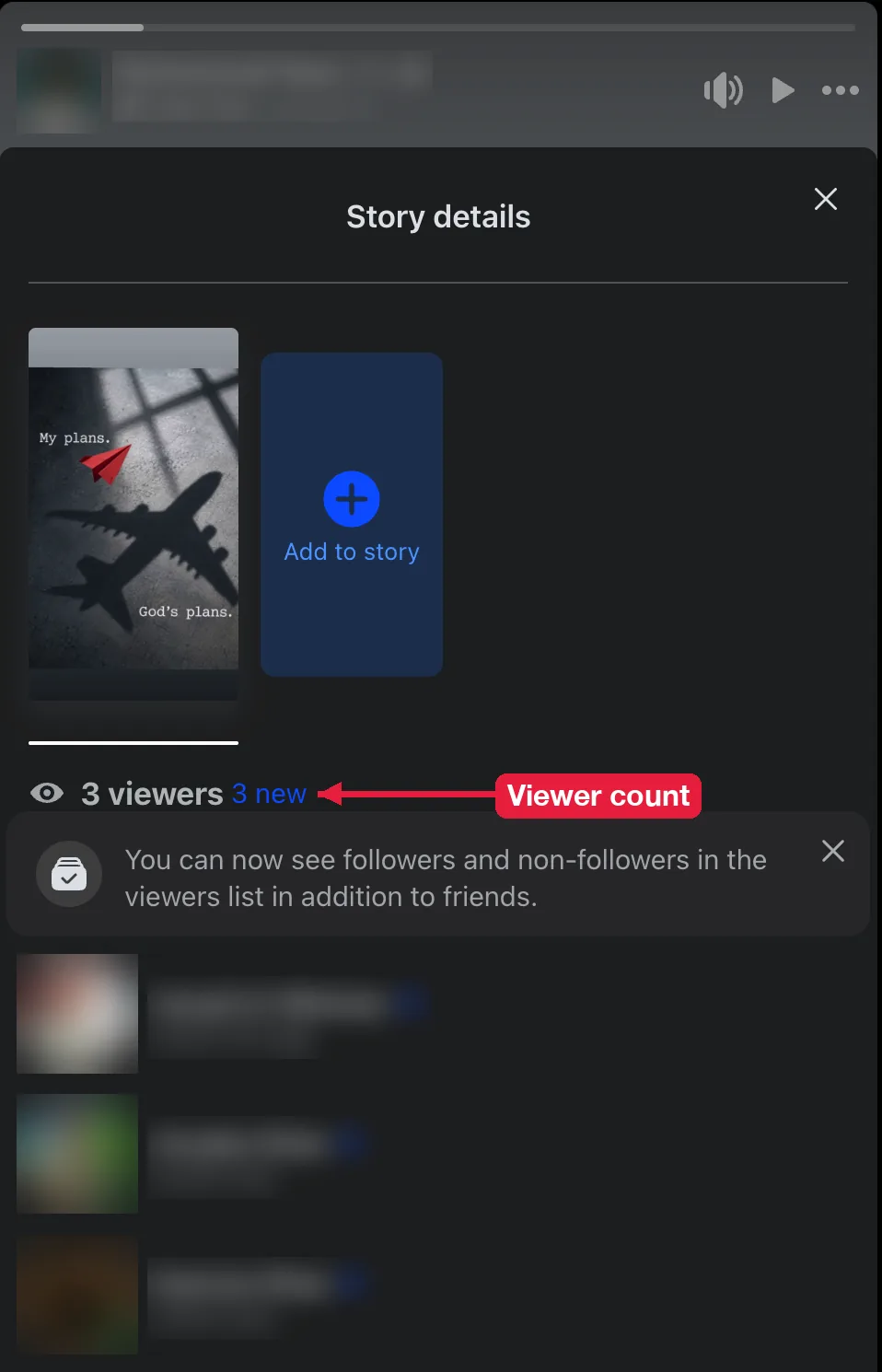
- Click the viewer count in the bottom-left corner of the story. The Story details panel opens with your viewer list.
Posted more than one photo or video? Each story card has its own viewer list. Tap through your cards to check each one, because someone who watched the first card might have skipped the rest.
What does the Facebook story viewer list show?
The viewer list shows 4 things:
- Names and profile photos of friends and followers who watched.
- Reactions each viewer sent, shown as an emoji next to their name.
- Followers and non-followers, either by name or grouped as “Other viewers,” depending on your account.
- The total view count at the top of the list.
What does “Other viewers” mean?
“Other viewers” means people who watched your story but aren’t your Facebook friends. It appears when your story is set to Public, so followers and people outside your friends list can see it.
Facebook is changing how this works. Many accounts now see a note that says followers and non-followers appear in the viewers list in addition to friends. If you have that update, non-friends who watched while logged in show by name. If you don’t, they’re still grouped into an “Other viewers” count, and no setting or app reveals who they are.
If your story is set to Friends, you won’t see “Other viewers” at all. Only your friends can watch it, so every viewer shows by name.
How does Facebook order story viewers?
Facebook hasn’t published how it orders the viewer list, so anything you read about it is based on observation. What most people see is this: with a small number of views, the most recent viewer appears at the top. Once a story gets more views, people you interact with often (messages, comments, reactions) tend to move up.
So the top of the list doesn’t mean someone watched your story the most. It usually means Facebook thinks you’re close to them.
The same person sitting at the top of every story isn’t proof of anything either. It just means you two interact a lot, or they tend to watch your stories early.
Can Facebook Pages see who viewed their story?
Pages get story numbers instead of a simple friends list. In Meta Business Suite, each Page story shows insights like reach, replies, taps forward, taps back and exits. Those numbers are more useful for a business than names, because they show where people stopped watching.
Can you see who viewed your story after 24 hours?
Not reliably. The viewer list belongs to the live story, and once the story expires, it moves to your Facebook story archive without the viewer names. Some accounts still see the list for a short time after expiry, but don’t count on it. Check the list before the 24 hours run out if it matters to you.
Does Facebook show how many times someone viewed your story?
No. Each person appears once on the list, whether they watched your story once or 10 times. The total view count can go up with repeat views, but Facebook doesn’t say who rewatched.
What can story viewers do without you knowing?
Story viewers can do 3 things that never show up on your viewer list: take screenshots, rewatch, and watch anonymously if your story is public. Replies and reactions do show, but only to you.
Does Facebook notify you about story screenshots?
No. Facebook doesn’t send any notification when someone screenshots your story. The only screenshot alert in Meta’s apps is for disappearing messages in Messenger chats, which is a different feature.
Are story replies and reactions private?
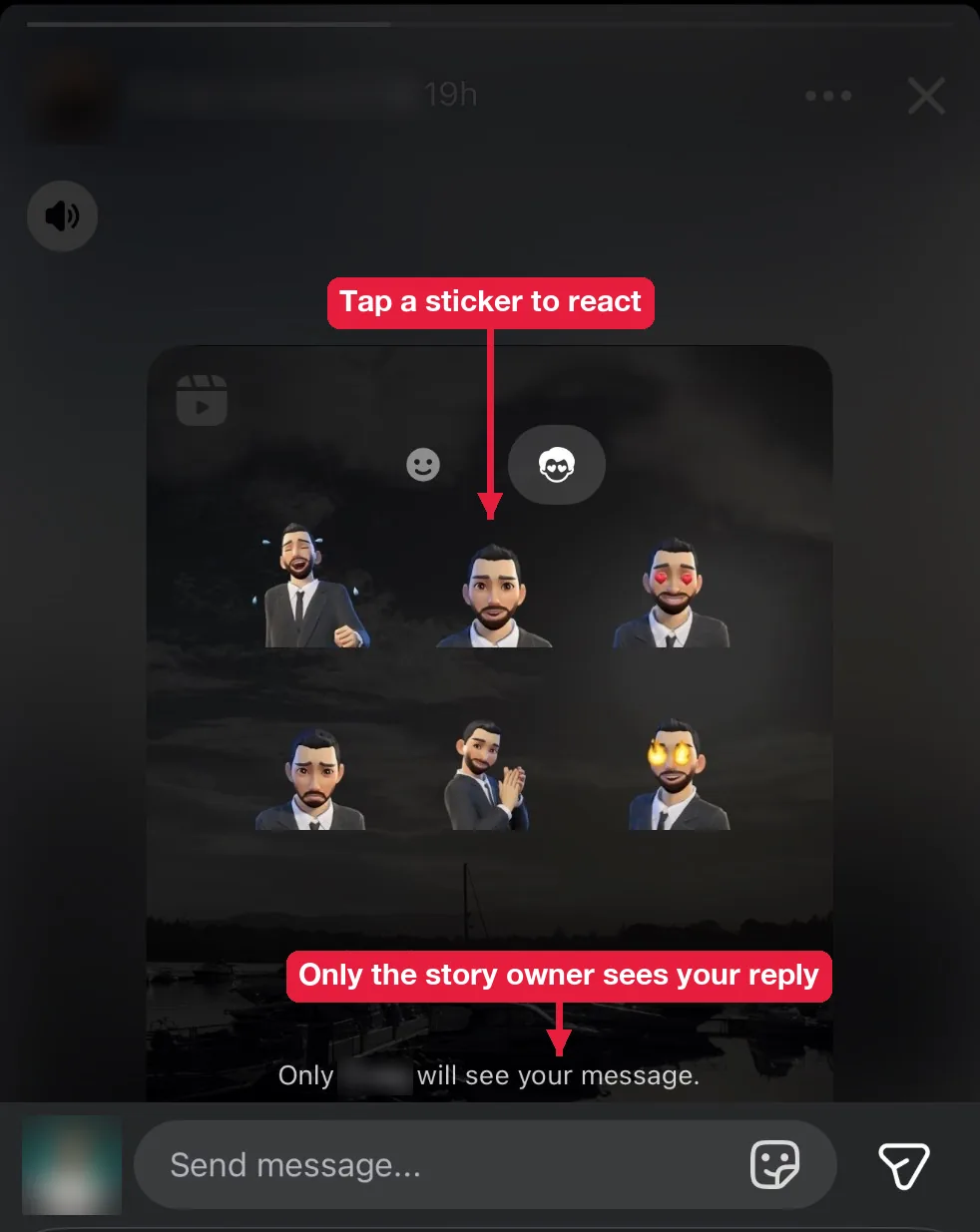
Yes. A reply goes straight to your Messenger inbox as a private message, and a reaction appears only on your viewer list. Other viewers never see them.
To reply or react to someone else’s story:
- Open the story.
- Tap Send message at the bottom to type a reply, or tap an emoji to react.
- Find your reply later in your Messenger chat with that person.
Can someone watch your story without showing up on the list?
Yes, if your story is public. The viewer list only records logged-in accounts, so anyone who opens a public story without logging in leaves no name behind. That’s how people view Facebook stories anonymously.
A web tool like our anonymous Facebook story viewer loads only public stories. Friends-only and custom stories can’t be opened this way by anyone.
Can you remove someone from your viewer list?
No. Once someone has watched your story, their name stays on that story’s viewer list until the story expires. What you can do is stop them from seeing your next stories. Add them to “Hide story from,” or block them if it’s serious. Hiding works quietly, and Facebook doesn’t tell them.
How do you stop strangers from watching your story?
You stop strangers from watching by changing your story audience from Public to Friends or Custom. Your Facebook story privacy settings also let you hide stories from specific people, and the change applies to stories that are already live.